6th April 2026
Tool
Cleanup Claude Code Paste
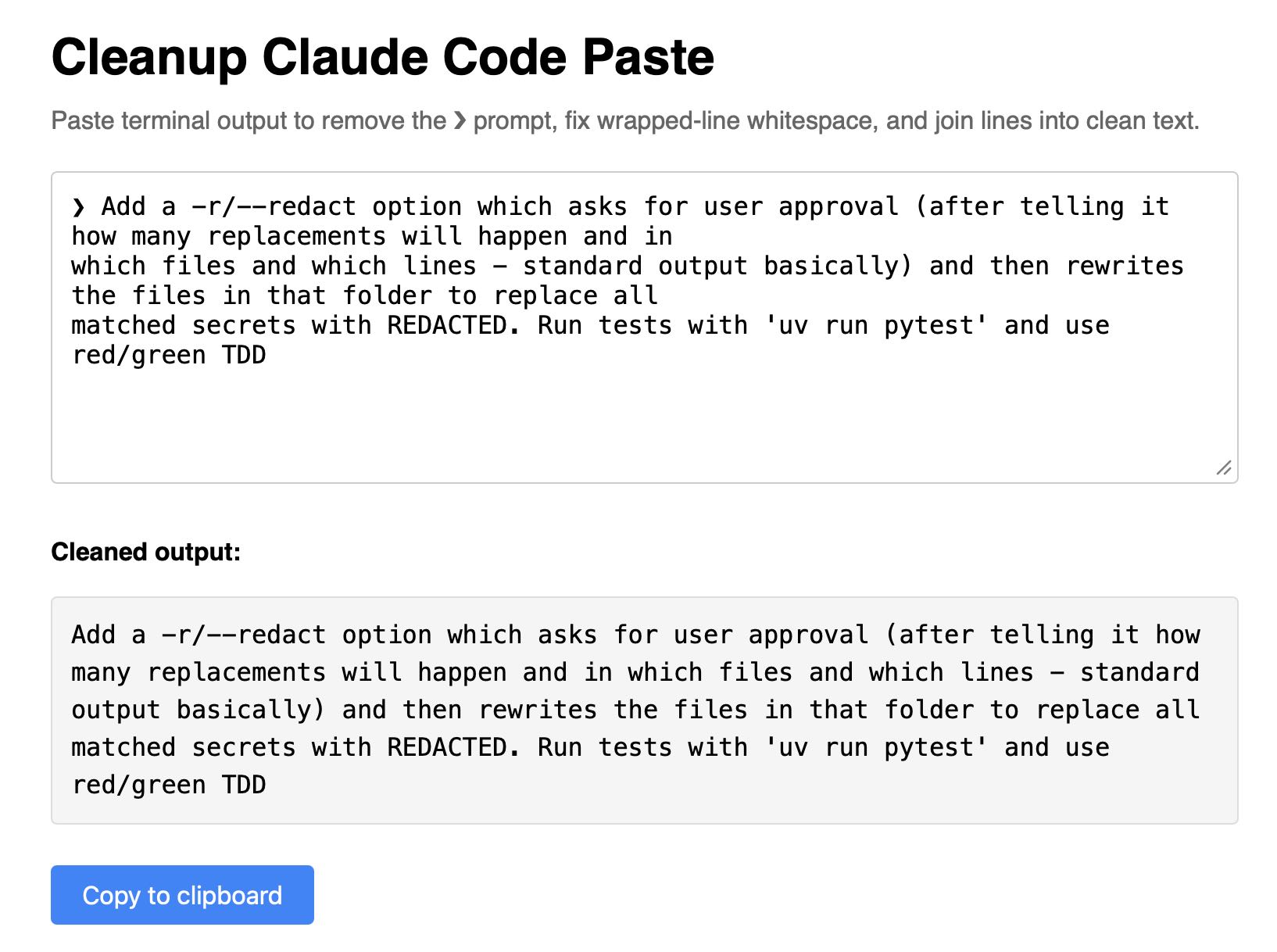
— Clean up Claude Code terminal output by removing the ❯ prompt character, fixing whitespace from line wrapping, and joining broken lines into readable paragraphs. Paste your terminal text into the input field and the cleaned output will appear automatically, ready to copy to your clipboard.
Super-niche tool this. I sometimes copy prompts out of the Claude Code terminal app and they come out with a bunch of weird additional whitespace. This tool cleans that up.
Recent articles
- Porting the Moebius 0.2B image inpainting model to run in the browser with Claude Code - 22nd June 2026
- sqlite-utils 4.0rc1 adds migrations and nested transactions - 21st June 2026
- Datasette Apps: Host custom HTML applications inside Datasette - 18th June 2026