Monday, 6th April 2026
Another example of README-driven development, this time solving a problem that might be unique to me.
I often find myself running a bunch of different Datasette instances with different databases and different in-development plugins, spreads across dozens of different terminal windows - enough that I frequently lose them!
Now I can run this:
datasette install datasette-ports
datasette ports
And get a list of every running instance that looks something like this:
http://127.0.0.1:8333/ - v1.0a26
  Databases: data
  Plugins: datasette-enrichments, datasette-enrichments-llm, datasette-llm, datasette-secrets
http://127.0.0.1:8001/ - v1.0a26
  Databases: creatures
  Plugins: datasette-extract, datasette-llm, datasette-secrets
http://127.0.0.1:8900/ - v0.65.2
  Databases: logs
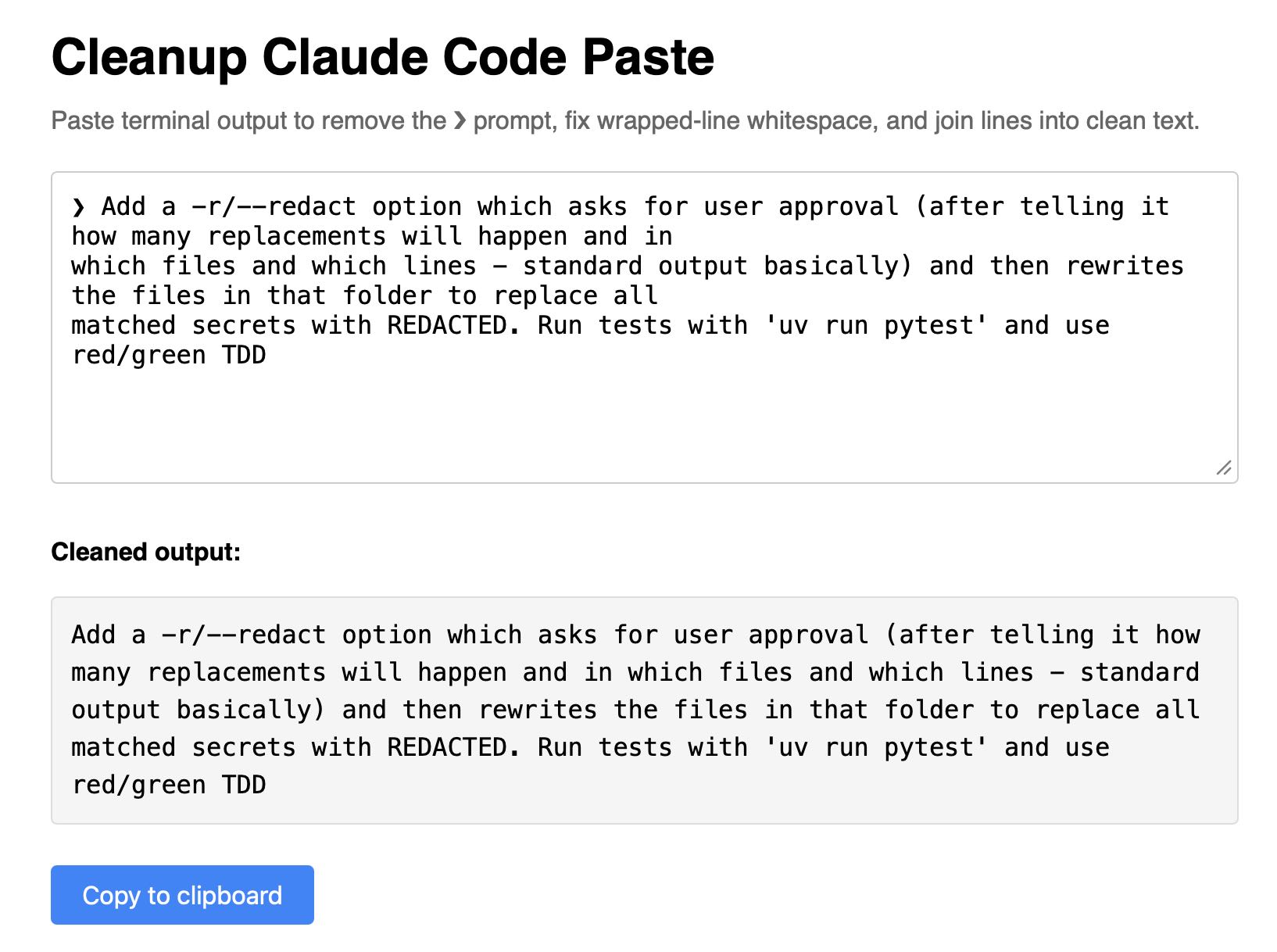
Super-niche tool this. I sometimes copy prompts out of the Claude Code terminal app and they come out with a bunch of weird additional whitespace. This tool cleans that up.
- New
-r/--redactoption which shows the list of matches, asks for confirmation and then replaces every match withREDACTED, taking escaping rules into account.- New Python function
redact_file(file_path: str | Path, secrets: list[str], replacement: str = "REDACTED") -> int.
- No longer requires Datasette - running
uvx datasette-portsnow works as well.- Installing it as a Datasette plugin continues to provide the
datasette portscommand.
Google AI Edge Gallery (via) Terrible name, really great app: this is Google's official app for running their Gemma 4 models (the E2B and E4B sizes, plus some members of the Gemma 3 family) directly on your iPhone.
It works really well. The E2B model is a 2.54GB download and is both fast and genuinely useful.
The app also provides "ask questions about images" and audio transcription (up to 30s) with the two small Gemma 4 models, and has an interesting "skills" demo which demonstrates tool calling against eight different interactive widgets, each implemented as an HTML page (though sadly the source code is not visible): interactive-map, kitchen-adventure, calculate-hash, text-spinner, mood-tracker, mnemonic-password, query-wikipedia, and qr-code.
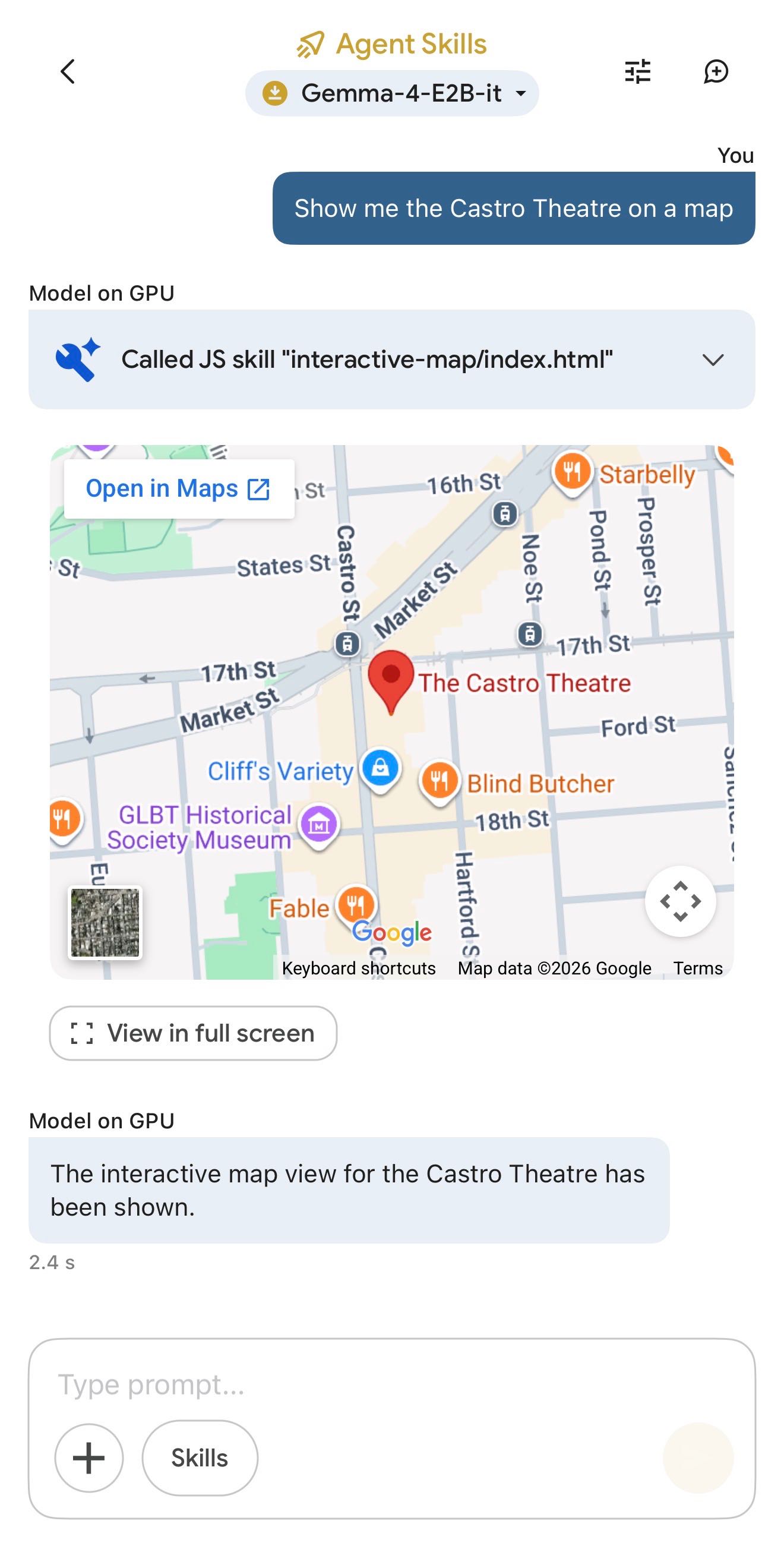
(That demo did freeze the app when I tried to add a follow-up prompt though.)
This is the first time I've seen a local model vendor release an official app for trying out their models on in iPhone. Sadly it's missing permanent logs - conversations with this app are ephemeral.